
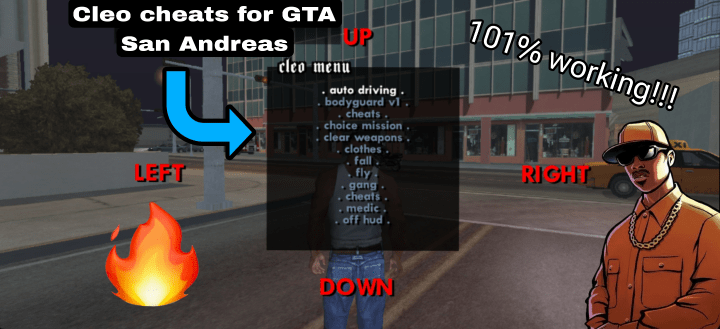
In this post I will show you how to apply Cleo Scripts in GTA San Andreas android and also I will give you the Cleo apk download link.
For video tutorial watch this video 👇
How to apply
- First of all, you need to backup your game files. To do so you need to go to your file manager to Android> obb> com.rockstargames.gtasa and Android> data> com.rockstargames.gtasa. Then you need to rename them and add there 1 (or any number) at the last (to both files).
- Now delete (uninstall) the old apk and install the new Cleo mod apk.
- Now rename the both files (data and obb files of com.rockstargames.gtasa) and delete the 1 (or the number you had written at the last).
- Now you may (not recommended ) open the new Cleo apk (game) and check whether it’s working or not.
- Now it’s time to add the scripts, to do so first download the Cleo scripts from the drive and it will ask you to choose a file manager, choose any one and then it will open and if didn’t opened then go to Drive app and Shared and there you can click and open the file.
- Now open the main folder and copy all files (total 88) to Android> data> com.rockstargames.gtasa.
- Note: The all script files contain a password that is SGAB
- Note: The apk file contains a password that is subscribe
- Now open the game and enjoy!!
- Note: The script download is in Drive and apk download is in mediafire.
Downloads
My Latest Posts –
- Ice scream 8 mod apk downloadIn this post I will give you top 3 mod apks for… Read more: Ice scream 8 mod apk download
- My all Minecraft maps
 In this post I will give you the link of all of… Read more: My all Minecraft maps
 - New Vehicles mod for GTA Vice City Android
 In this post I will show you how to download and apply… Read more: New Vehicles mod for GTA Vice City Android
Follow me on –
 Steven Games